Inventory management software for webshops and warehouses
Always know what you have in stock, where it sits and when to reorder, across every sales channel and warehouse at once.
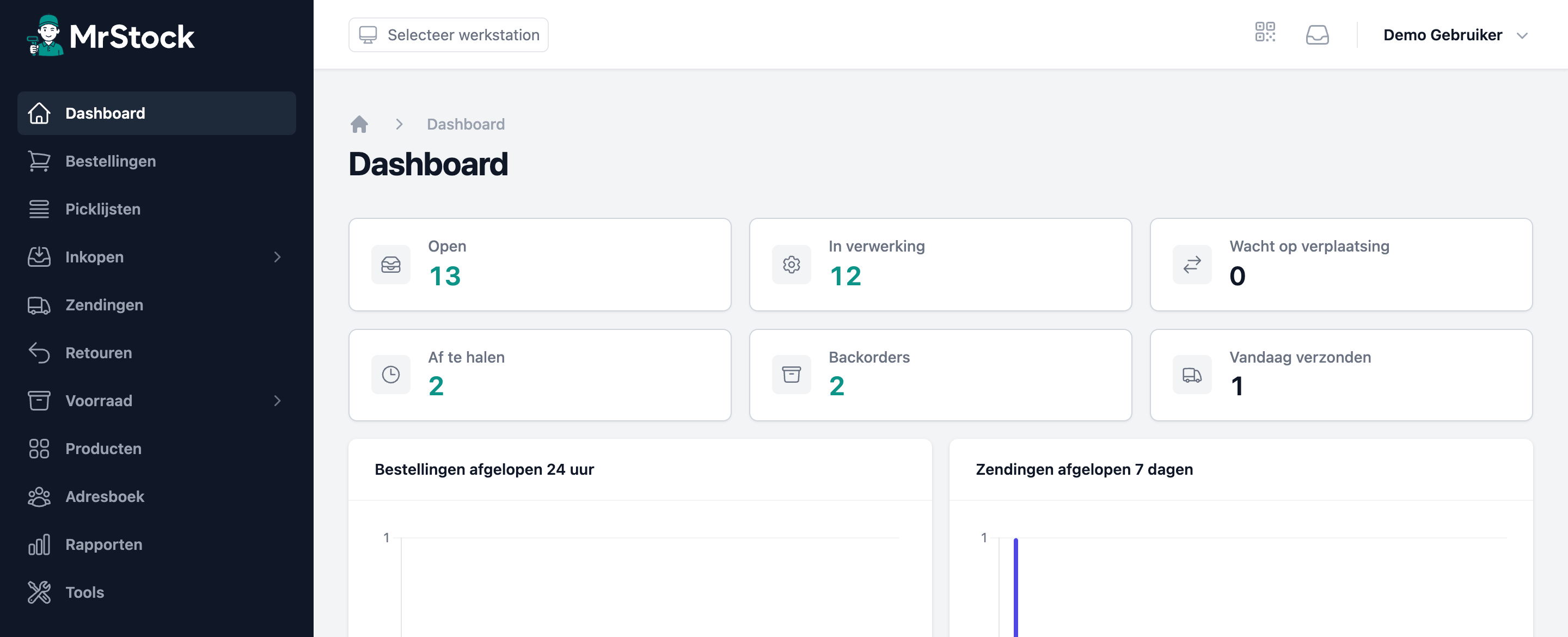
Inventory management software tracks how much of each item you have, where it sits in your warehouse and how that changes through sales, purchasing, returns and stock counts. As soon as you sell on more than one channel, or work with more than one person in the warehouse, a spreadsheet becomes too slow and too error-prone for the job.
MrStock keeps your stock up to date in real time and syncs it back to your sales channels. Sell the same item on your own webshop and on a marketplace and both see the same live numbers, so you stop selling what you do not have.
When do you need inventory management software?
The practical threshold is usually not a number of orders but a number of mistakes. Do you sell on two or more channels, work with several warehouse staff, or regularly have to email a customer that something is not available after all? Then manual stock control already costs you more than it saves. The same applies once you work with purchase orders and want to know what is on its way.
From stock level to stock location
Knowing you have twelve is one thing; knowing where they are is what speeds up picking. MrStock records stock per location, per warehouse and per client, so a pick list routes you along the shortest path and a stock count covers one rack instead of your whole warehouse. On receipt the system creates putaway tasks, so new stock actually ends up in the right place.
Reordering based on numbers
Good stock software tells you not only what you have, but what you have too much or too little of. The ABC analysis shows which items carry your revenue and which are gathering dust; the XYZ analysis shows how predictable demand is per item. Together they tell you where safety stock is worth holding and where it is only costing you money.
What MrStock does for this
- Real-time stock, synced to all your sales channels
- Stock per location, warehouse and client
- Purchase orders with expected delivery dates and automatic backorder linking
- Receive, move and count by scanning with the mobile app
- Serial numbers, expiry and batch tracking where you need them
- ABC and XYZ analysis to guide your purchasing
The features behind it
The parts of MrStock involved, in detail.
Purchase orders
Create purchase orders, send them to suppliers and receive them by scanning.
Multiple warehouses
Manage stock across multiple warehouses and locations from a single system.
ABC analysis
Automatically split your assortment into A top sellers, B midrange and C tail based on revenue or sales volume.
Serial number tracking
Register serial numbers on receipt and shipment for full traceability.
Frequently asked questions
- What is inventory management software?
- Inventory management software records how much of each item you hold and where it sits, and updates that automatically on every sale, purchase, return or count. You work from one live stock level instead of a spreadsheet that is always behind.
- How is it different from a WMS?
- Stock control is about quantities: what you have and what is coming. A WMS also covers the warehouse process itself: locations, pick lists, walking routes, putaway, packing and shipping. MrStock does both in one system.
- Does it work with multiple sales channels?
- Yes. You connect your webshop, marketplaces and point-of-sale systems to MrStock and stock is written back to every channel. All integrations are included in every plan.
Other solutions
WMS software
A warehouse management system drives your warehouse process: from inbound and location management to picking, packing and shipping.
Order picking software
Smart pick lists, an optimal walking route and a scan to verify every item.
Warehouse software for webshops
From order in your webshop to parcel with the carrier, without retyping and without side lists.
Ready to streamline your warehouse?
Start with MrStock today and process your orders faster, smarter and error-free.